Before you start
Publishing on Readality takes about four moves: set up your creator account, create a series, build your episodes, and publish. After that, your work earns tokens that turn into real money in your Creator Wallet.
You don't need a studio, a contract, or an upfront fee. If you're an individual creator, you publish as an Independent, the fast path with no company paperwork.
| You are… | You publish as… | What's required |
|---|---|---|
| A solo creator or small team | Independent | Just an account |
| A company or imprint | Publisher | Company profile + payout details |
This guide follows the Independent path. Publishers get a couple of extra setup steps, noted along the way.
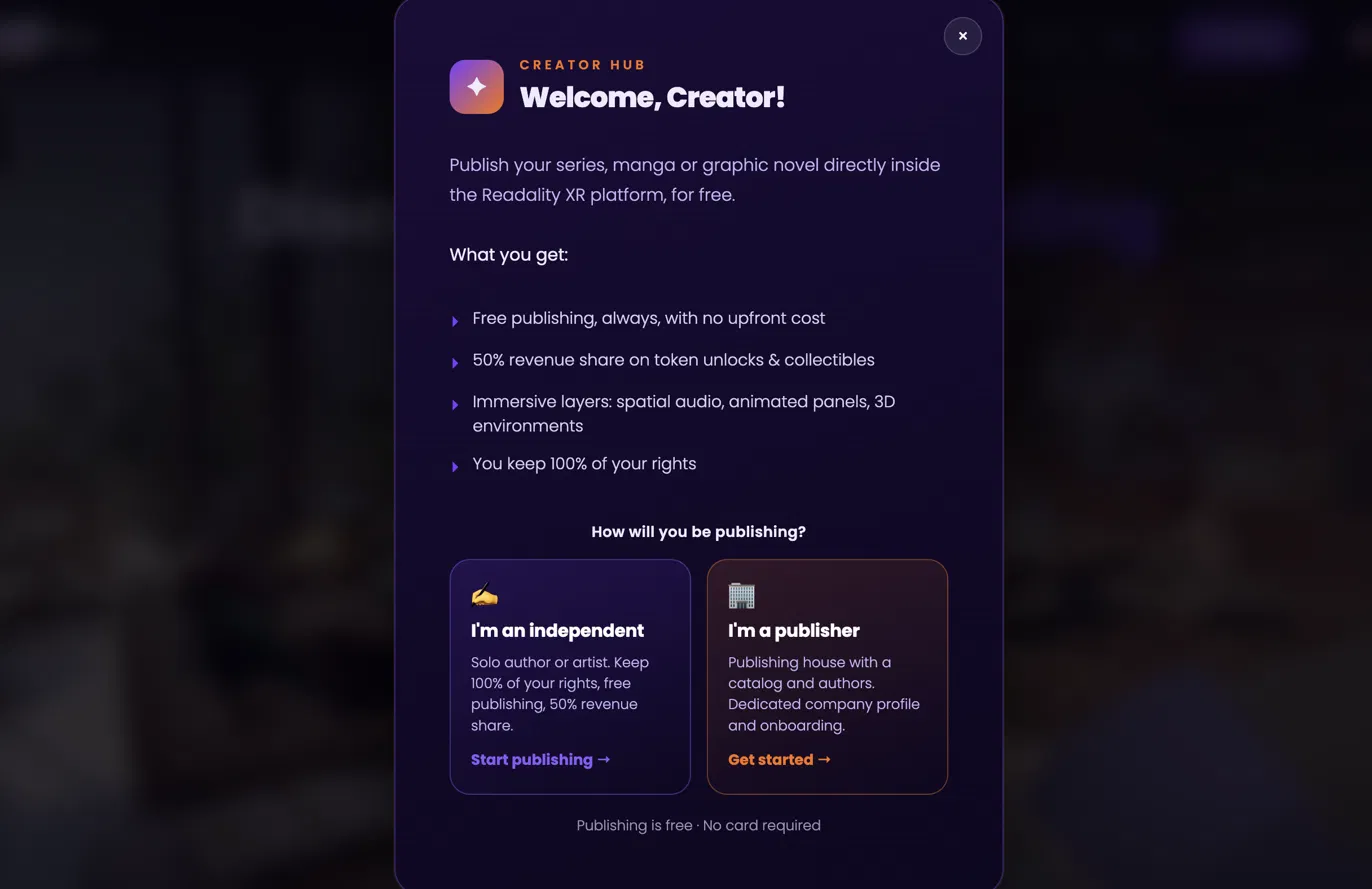
When you join, Readality asks one question: "How will you be publishing?" Pick Independent, and you go straight to your Creator Dashboard. No forms, no waiting.
The dashboard is home base. From here you can:
- See all your series and standalone works at a glance
- Track episode counts and status
- Jump into creating something new
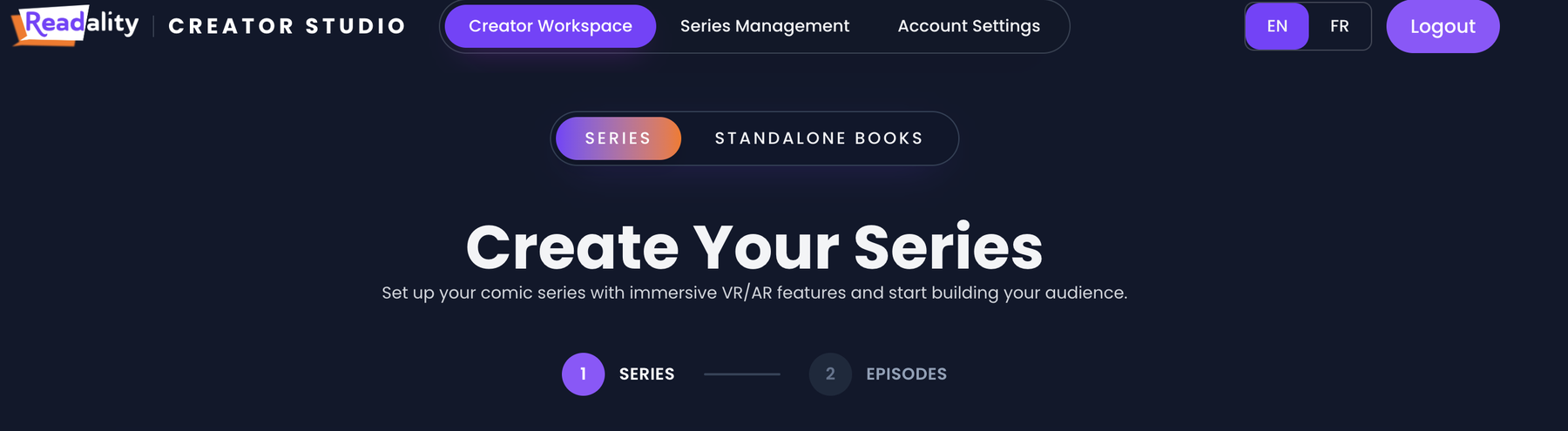
There are two things you can create:
- A Series, an ongoing work told across multiple episodes (most creators start here).
- A Standalone, a single, self-contained work with no episode structure.
The rest of this guide follows the Series flow, since it covers everything a standalone does and more.
Hit Create Series and fill in the essentials. This is where your series gets its identity.
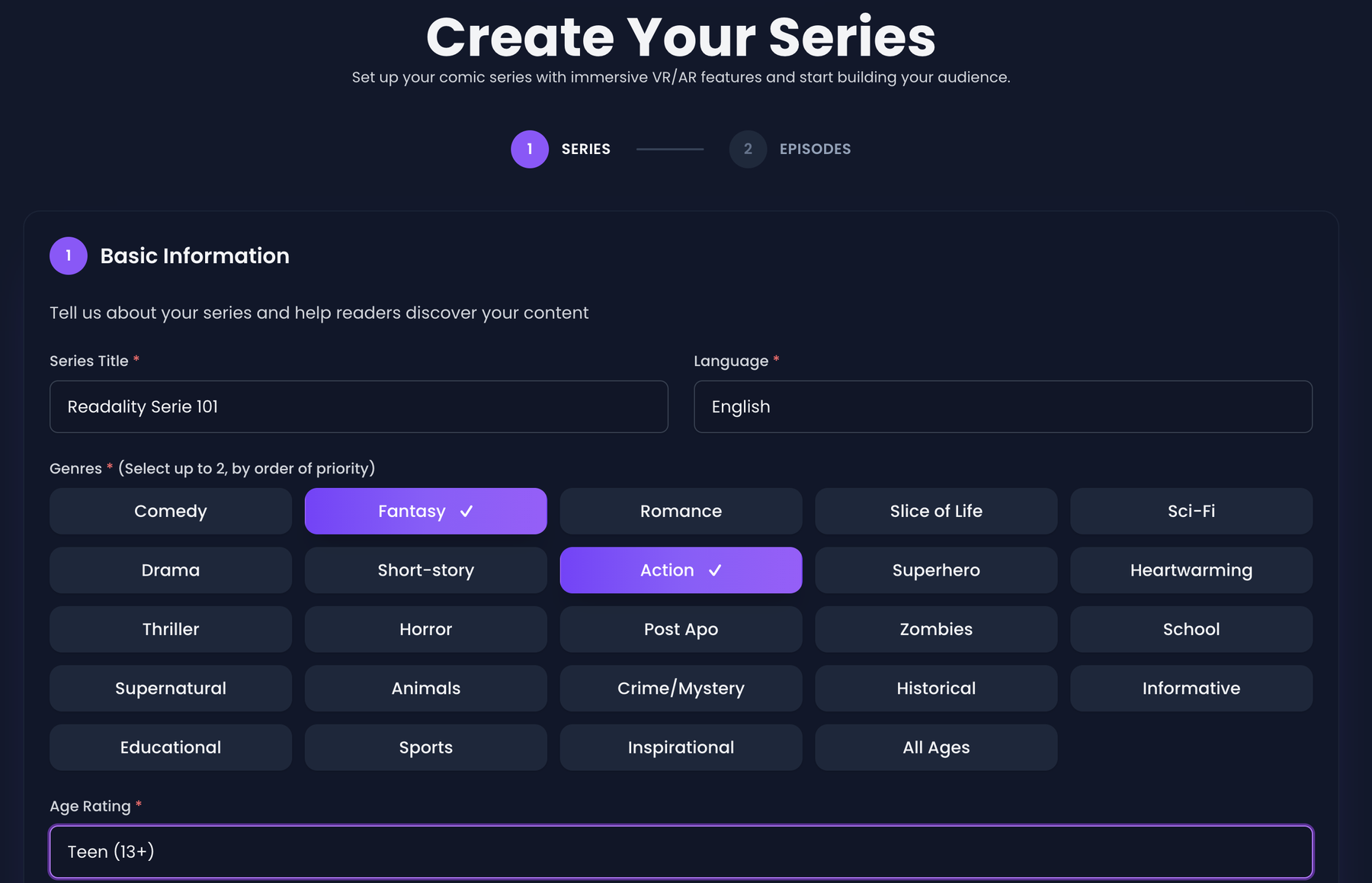
Basic info
- Title and description
- Genre and tags so readers can find you
- Language and reading direction
Pick your reading format
This is what makes Readality different. Choose how readers experience your work:
- Webtoon, a continuous vertical scroll, built for the way people read on their phones.
- Page Flip, classic page-turning, one spread at a time.
- Both, offer the reader the choice.
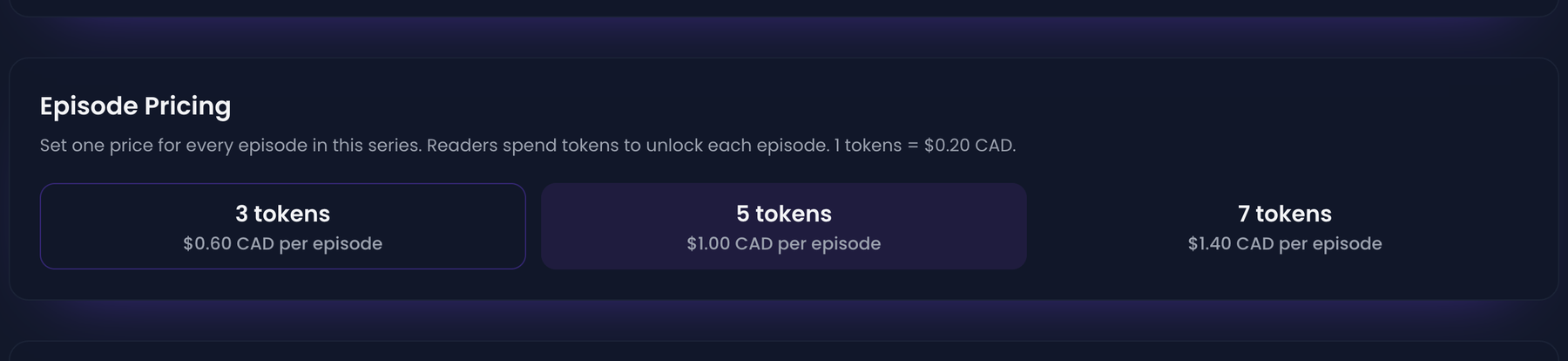
Set your episode price
Episodes are priced in tokens, Readality's in-app currency. Pick from the preset price tiers; the dashboard shows you the real-world equivalent next to each option, so you always know what a reader pays.
Add a thumbnail
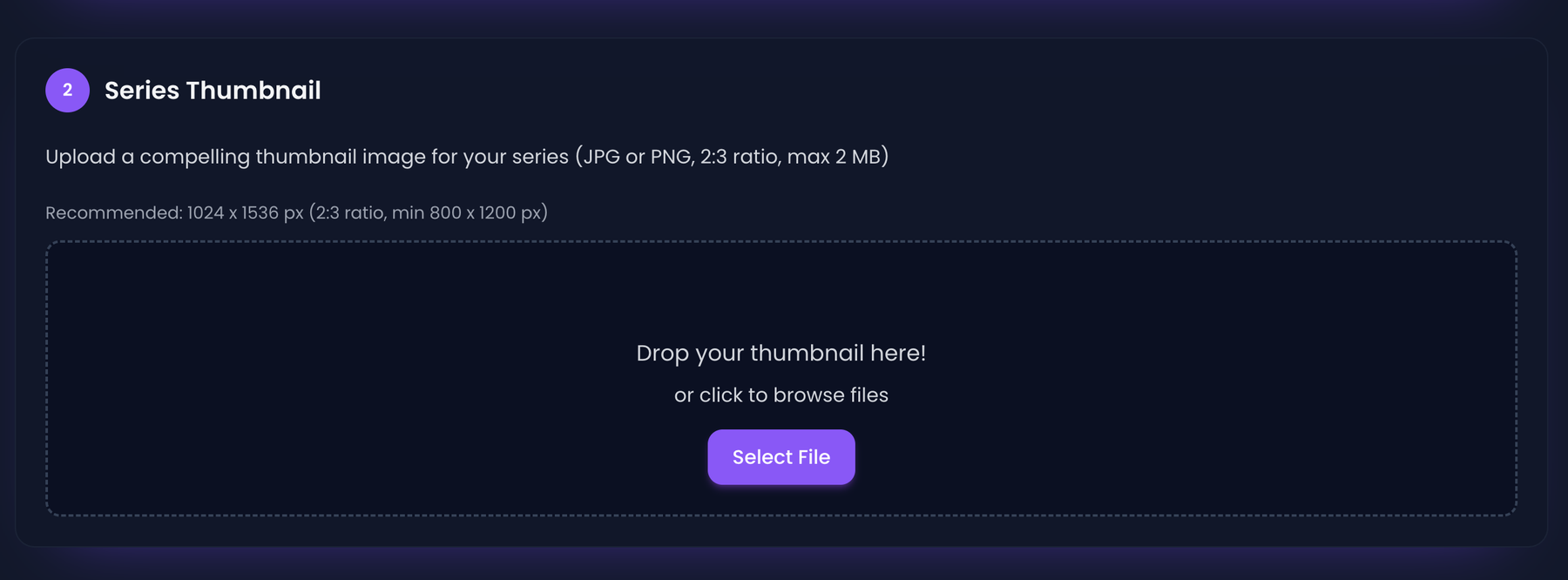
Upload your cover art. The recommended size adapts to your chosen format: a tall cover for vertical and webtoon, a standard cover for page flip.
Set a content rating and agree to the policy
Choose the appropriate content rating, then confirm you've read the Creator Policy. That's it: your series shell is created and you drop straight into the episode builder.
The Episode Workspace is where a series comes to life. Each episode is its own unit with its own pages and its own details.
For each episode you can set:
- Title and episode details
- Pricing (inherits your series default, adjustable per episode)
Reordering is drag-and-drop. Grab an episode and move it; the order your readers see updates instantly. You can also sort by newest, oldest, title, or keep a fully manual order.
Inside an episode, Manage Pages is where you upload and arrange the actual content.
Here you can:
- Upload your page images
- Reorder pages (move up / move down, or drag)
- Rename pages to keep yourself organized
When an episode is ready, publish it to make it live for readers.
On publish, Readality automatically assigns your work its catalog identifiers (a permanent product ID and a Readality SKU). You don't have to do anything; it's handled behind the scenes for tracking and payouts.
🎉 Your episode is now live. Readers can discover it, unlock it with tokens, and start reading.
Publishing isn't the end, it's the start of an ongoing series. From the dashboard and workspace you can, at any time:
- Add new episodes to keep a series going
- Edit series details, covers, pricing, and episode content
- Reorder episodes as your story evolves
- Track episode counts and performance at a glance
Every time a reader unlocks one of your episodes with tokens, you earn. Those earnings flow into your Creator Wallet, tracked in real currency, separate from the token balance readers use.
Your wallet shows:
- Available balance, money that's cleared and ready to withdraw
- Pending balance, recent earnings still clearing
- Lifetime earnings, everything you've made on Readality
- Transaction history, every sale credit and payout, itemized
Payouts
- Earnings are paid out monthly.
- Once your available balance passes the minimum payout threshold, it's sent to your bank account via transfer.
- Your payout history keeps a record of every transfer, with its status.
On the horizon: new ways to build (and earn)
Readality is just getting started. These features are rolling out later this year, designed to turn a flat comic into a living world and open up new revenue beyond episode sales.
🔊 Bring your pages to life 🔒 Coming soon
Augment your book with layered sound and video, narration, music, and ambience, plus page and panel animation. Turn a static read into an immersive, cinematic experience.
🧸 Sell 3D collectibles 🔒 Coming soon
Offer fans 3D collectibles tied to your characters and world, a new way to monetize your most devoted readers, right alongside your episodes.
🌌 Sell your story's environment 🔒 Coming soon
Take readers inside your universe with a VR environment linked to your series, an explorable space built around your story and world that fans can step into.
The whole flow at a glance
- Choose how you publish: Independent (instant) or Publisher (with company setup)
- Create a series: info, format, price, cover, rating
- Build episodes: details, pricing, ordering
- Upload pages: per format if you offer both
- Publish: go live (both formats required if you offer both)
- Manage: add episodes, edit, reorder over time
- Earn: sales credit your Creator Wallet
- Get paid: monthly payouts to your bank
Ready to publish?
You bring the story. Readality handles discovery, reading, payments, and payouts.
Start creating →